🍽
Type it, AI works it out
Describe your meal in a sentence and get the portion and calories.
≈ 0 kcalcalculated from the database
- Protein22 g
- Carbs26 g
- Fat16 g
 HEDEFIT
TRComing soon
HEDEFIT
TRComing soon
Programs · Challenges · Nutrition · AI coach
Your workouts, meals, runs and coach in one place. Your exercises and calories are calculated from verified data; AI reads your plate from a photo, reviews your week and answers your questions using your own data. Your goals are not left to it: based on your height, weight and aim, they are calculated.
How it works
Start as a guest without signing up, or create an account. Answer a few short questions: your goal, days per week, time available, where you train and with which equipment. If you like, pick the areas you want to focus on from the body map and add your health conditions, allergies and diet preference.
Lose weight, build muscle or maintain your shape. Hedefit calculates your weekly pace, finish date, and daily calorie and macro targets from your profile.
Your personal program, animated exercises and Fit Coach are ready. Start a workout, add a meal, track your progress.
Tap and try
Each card is a small piece of the app. Type, tap, slide and see the result instantly.
Describe your meal in a sentence and get the portion and calories.
Tap and the rest timer starts.
Calculated by formula; the AI does not make it up.
An example starting at 95 kg. The pace is capped at 1% of body weight per week.
Use a rest day on a day you missed.
Tap the empty days.
Add it from your watch with one tap.
Answers come from your own training and nutrition log.
These are sample answers. In the app, Fit Coach answers from your real data.
Slide the distance and watch the route and time change.
A small sample of 600+ exercises.
Challenge a friend: complete it together or compete.
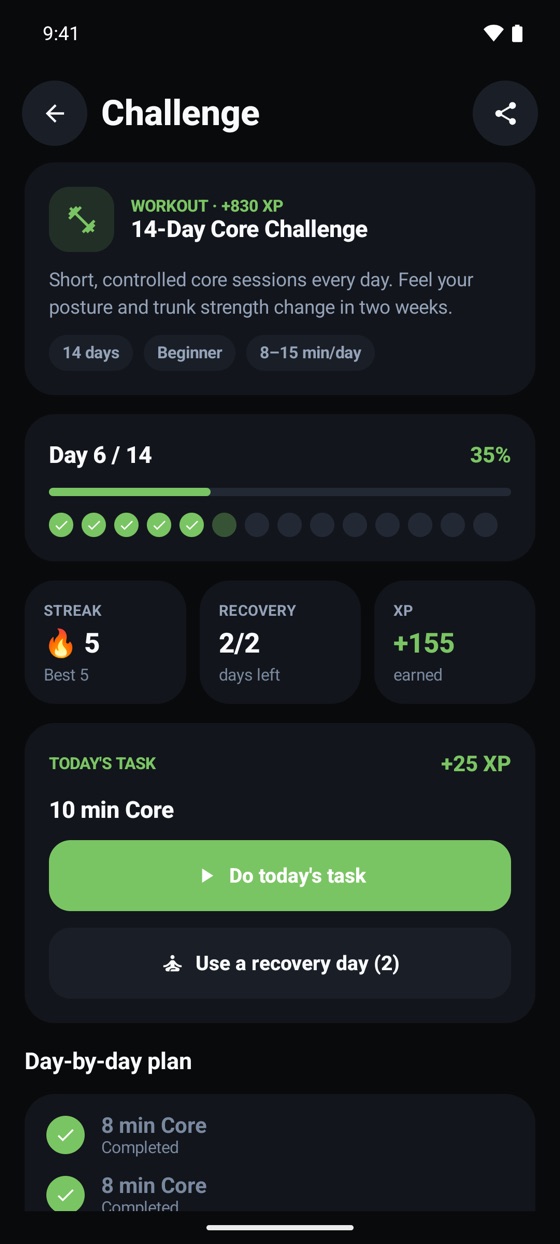
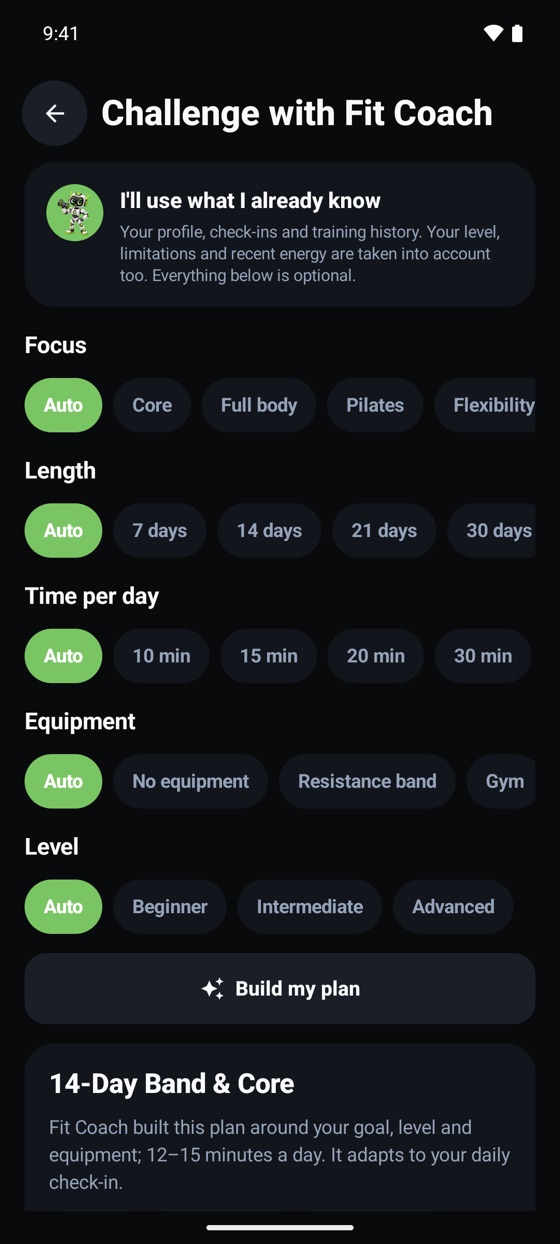
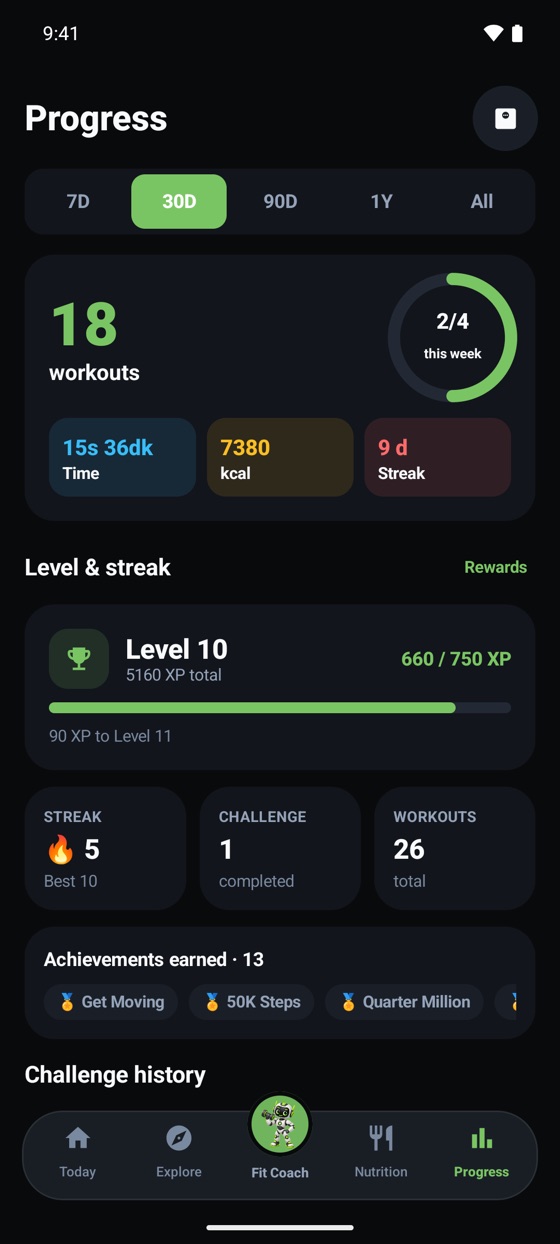
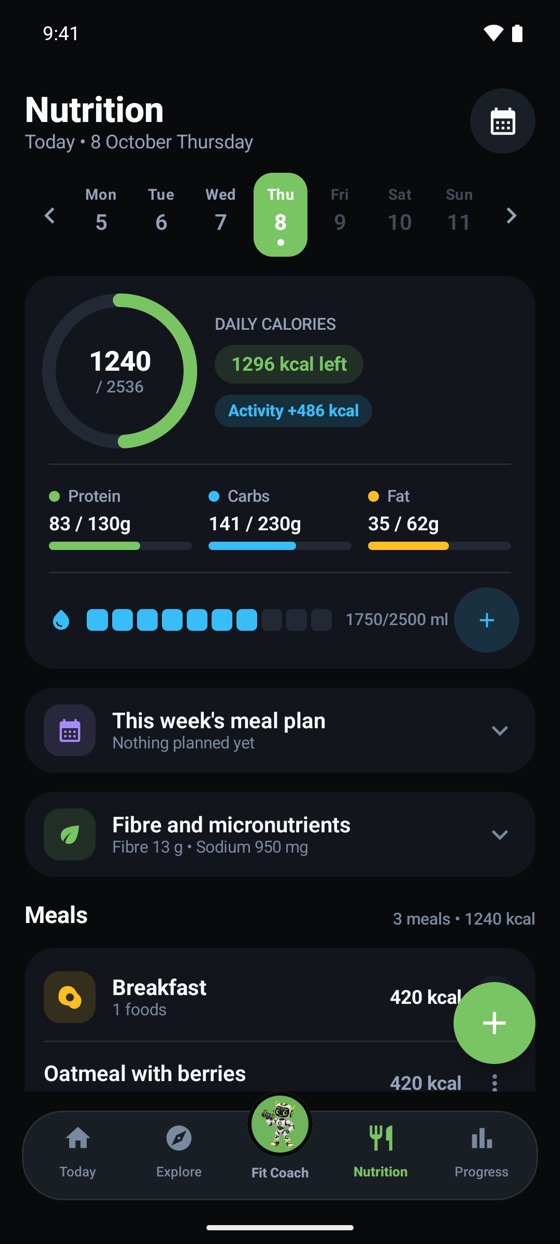
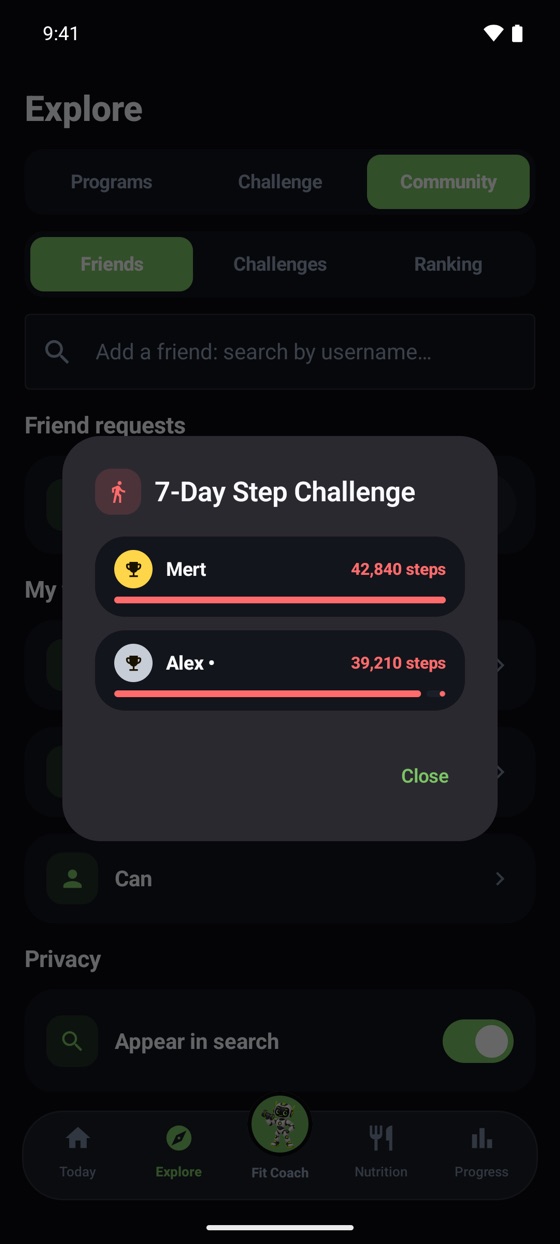
Explore · Challenge
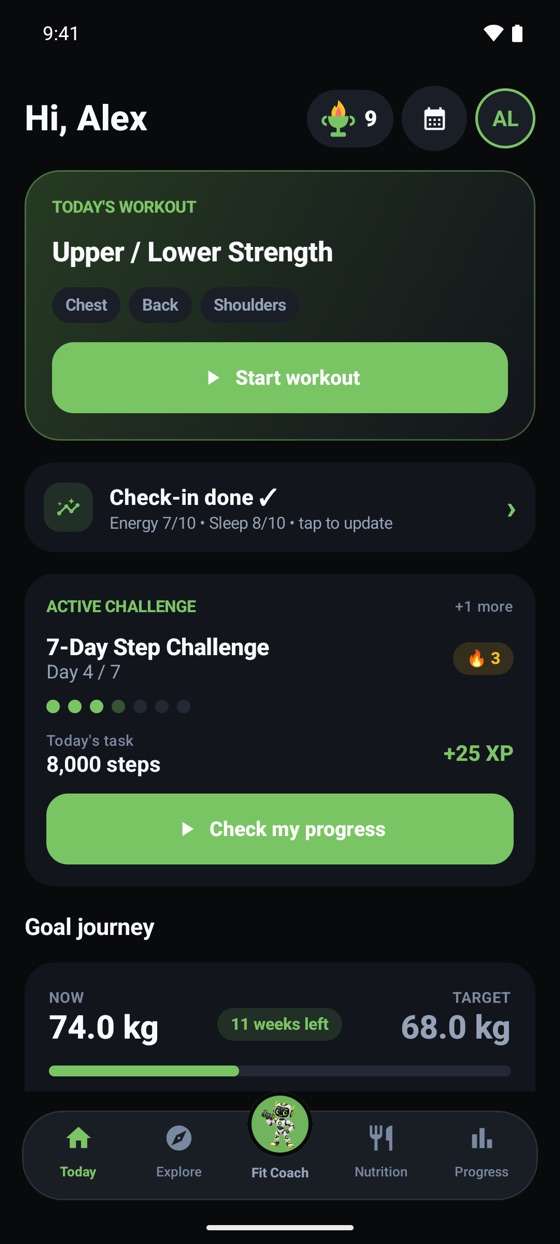
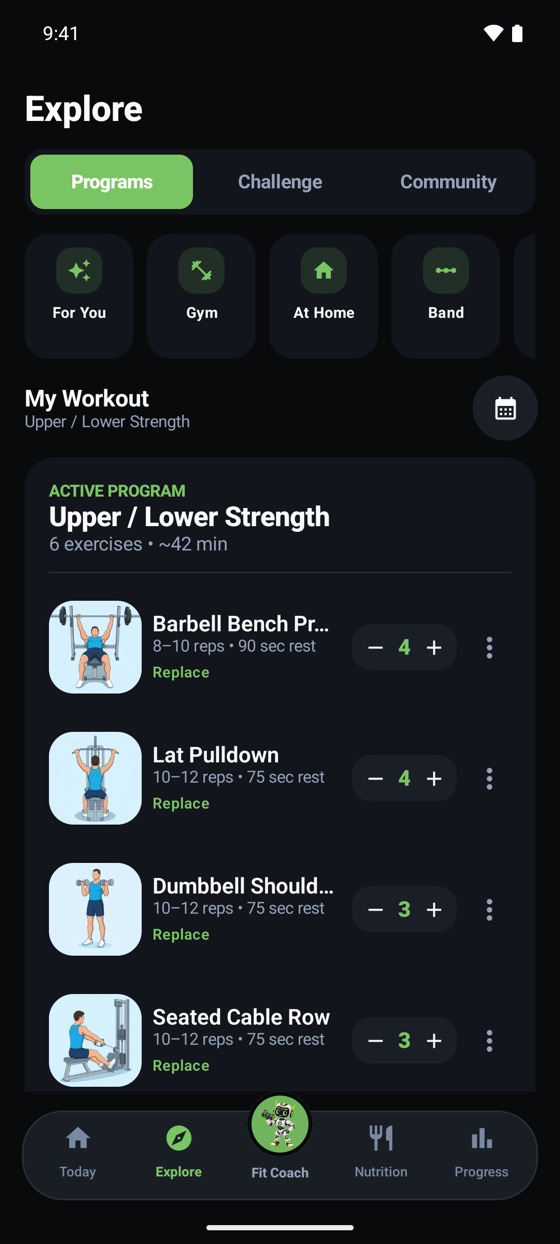
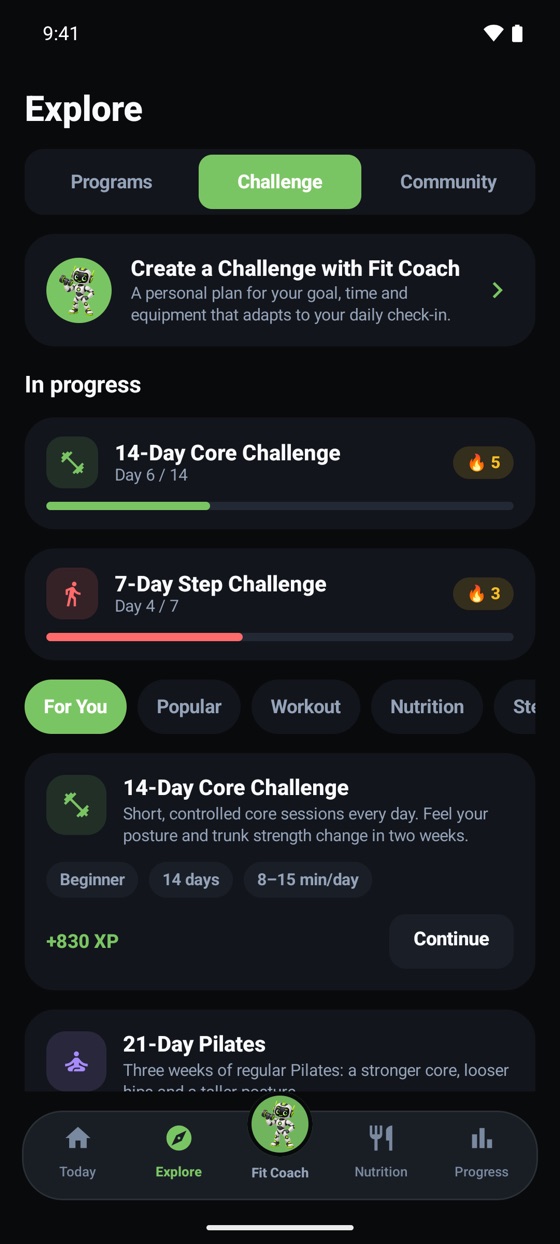
Find a challenge in Explore or have Fit Coach build one just for you. Today’s task waits on your Today screen; complete it to earn XP and grow your streak and level. Results live in Progress.
Miss a day and the challenge doesn’t break; you pick up where you left off. A recovery day keeps your streak.
If your check-in shows low energy or poor sleep, the task gets shorter and the day still counts in full.
XP is awarded once per action and never taken back. Workouts, check-ins, water, nutrition and challenge days all feed your level.
Names and values in the screenshots are sample data and don’t belong to a real user.
Adaptive training
A short daily check-in: energy, sleep, pain and muscle soreness. Without throwing your program away, Hedefit shortens it, lightens it, or turns the day into a Pilates, mobility or recovery session.
Done in a few taps. If pain is high, the plan switches to recovery automatically.
Every move is open to everyone and nothing is hidden by gender. Low-impact cardio and recovery sessions are included too.
The coach knows today's adaptation and answers accordingly. It gives no medical advice and makes no hormone or diagnosis claims.
General tips for training and recovery days, based on your eating style. It never suggests restricting food.
Entirely optional and off by default. If you turn it on it only makes a small adjustment, and you can edit or delete it any time.
Your health data is not sent to the AI provider by default. Without your permission the coach never sees your cycle information.
These values are sample data for illustration and do not belong to a real user.
The difference
Workouts, meals, cardio and routes in one place
Records split across 3–4 apps
Calculated from your profile, sources shown
A generic template or a guess
Reads photos and reviews your week; exercises, calories and goals are calculated from verified data
Either none, or everything left to a black box
Answers using your own data
The same generic advice for everyone
600+ exercises with animated previews
A text list
XP, streaks, challenges with friends
Tracking only
FAQ
No matching question. You can write to us from the support page.
Yes, you can start for free. Workout, nutrition and progress tracking are free. You get 3 Fit Coach questions a day as a guest and 5 on a free account; XP you earn from quests increases this. Plus and Premium plans offer higher limits, all exercises and an ad-free experience; see details on the plans page. Prices will be published on the store pages.
Data tied to your account (workouts, meals, routes, measurements) is stored in a secure cloud database and, through row-level access rules, is open only to your account. Your friends see only your XP and activity summary; your meal and measurement records stay hidden. For AI features (meal analysis from photos, Fit Coach, weekly review, equipment recognition), the information needed for a reply (the text you wrote or the photo you chose, plus a short summary of your profile, workouts and nutrition records) is sent to the AI provider. Meals you add by typing are mostly calculated from Hedefit's own food database; if an estimate is needed for a food not in the database, the text you typed may also go to the provider. Fit Coach may keep short notes in narrow categories such as your goal, preferences and constraints in its “memory”; these notes are deleted when you delete your account, and if you want them removed without deleting, you can write to the support address. Your username can be searched by other users who type at least 2 characters; you can turn this off with the “Appear in search” setting on the Friends screen.
In the app, follow Profile and settings → Delete account permanently . Deletion is permanent. Before deleting you can freeze your account or reset only your progress data. For details, see the account deletion page .
Yes. You can start as a guest and save your account whenever you like so your progress isn't lost.
No. Hedefit is a fitness and habit-tracking app; it does not replace medical diagnosis or treatment. If you have a health condition, consult your doctor before starting a program.
Hedefit's own watch app is in development: adding water, workout sets, the rest timer and cardio recording will be controllable from your wrist on Wear OS and Apple Watch. In addition, on Android your watch's health data can be transferred to the phone app via Health Connect (Samsung, Garmin, Xiaomi, Amazfit, Pixel Watch / Fitbit).
Yes. On tablets the workout screen opens in “stand mode”, split side by side in landscape and stacked in portrait. Foldable phones switch to the wide layout (side navigation bar) when unfolded; stand mode opens only on tablets.
Android (Google Play) and iOS (App Store). The app offers a Turkish and English interface.

Hedefit is getting ready for Google Play and the App Store.